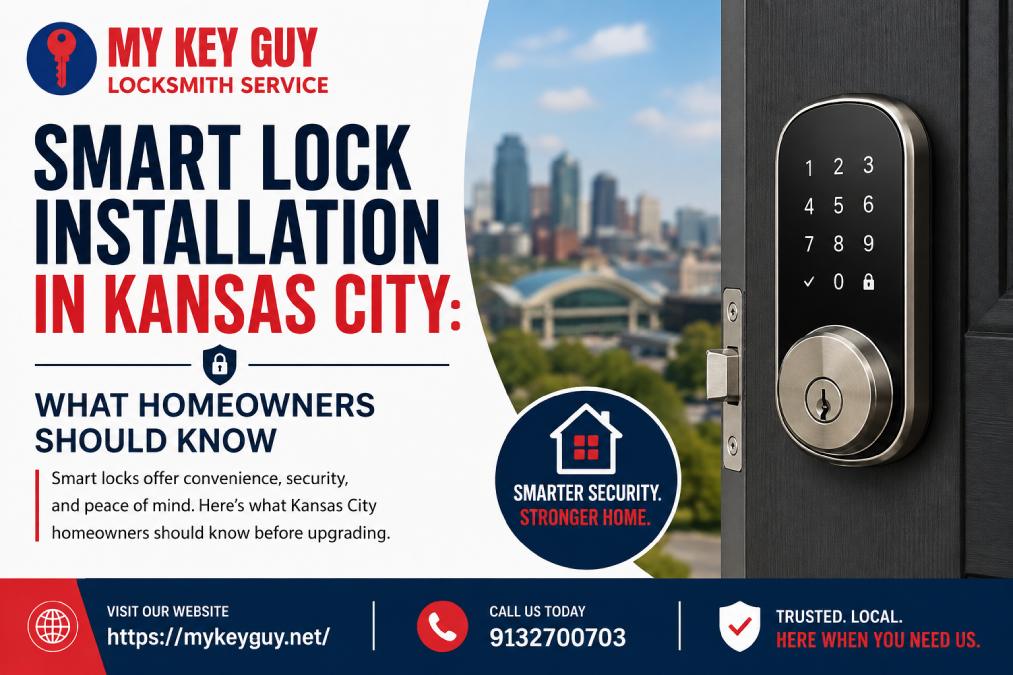
A front-door lock does more than keep a door closed. It controls who can enter your home and when they can enter. That is why many Kansas City homeowners are replacing traditional deadbolts with smart locks that offer keyless entry and convenient access control.
But choosing a smart lock is not as simple as picking the model with the most features. Your door type, existing deadbolt, Wi-Fi connection, phone compatibility and security needs all matter.
If you are considering Smart Lock Installation in Kansas City, this guide explains what to know before buying a lock or scheduling installation.
What Is a Smart Lock?
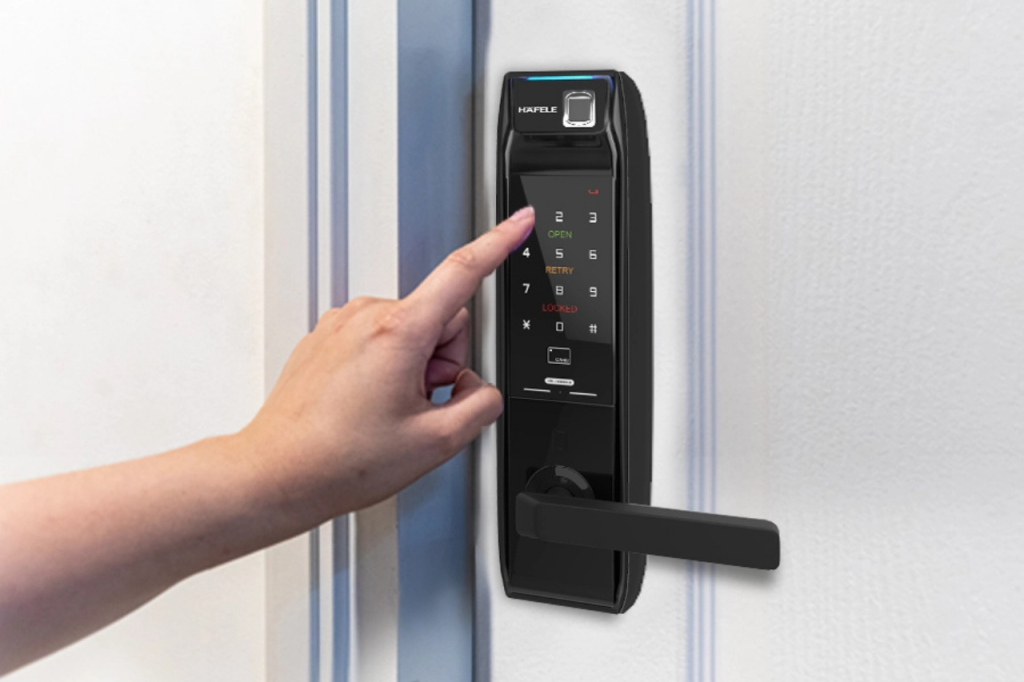
A smart lock is an electronic door lock that lets you lock or unlock your door without using a traditional metal key. Depending on the model, you may use a keypad, smartphone app, fingerprint, voice assistant or another approved access method.
Some smart locks connect directly to your phone through Bluetooth. Others use Wi-Fi or a separate hub to provide remote access.
Common smart lock features include:
- Keypad or touchscreen entry
- Smartphone control
- Temporary access codes
- Automatic locking
- Activity notifications
- Remote locking and unlocking
- Integration with smart-home systems
- Backup key access on some models
The right choice depends on how you use your home. A busy family may value individual access codes while a homeowner who travels may prefer remote monitoring.
Why Kansas City Homeowners Are Considering Smart Locks
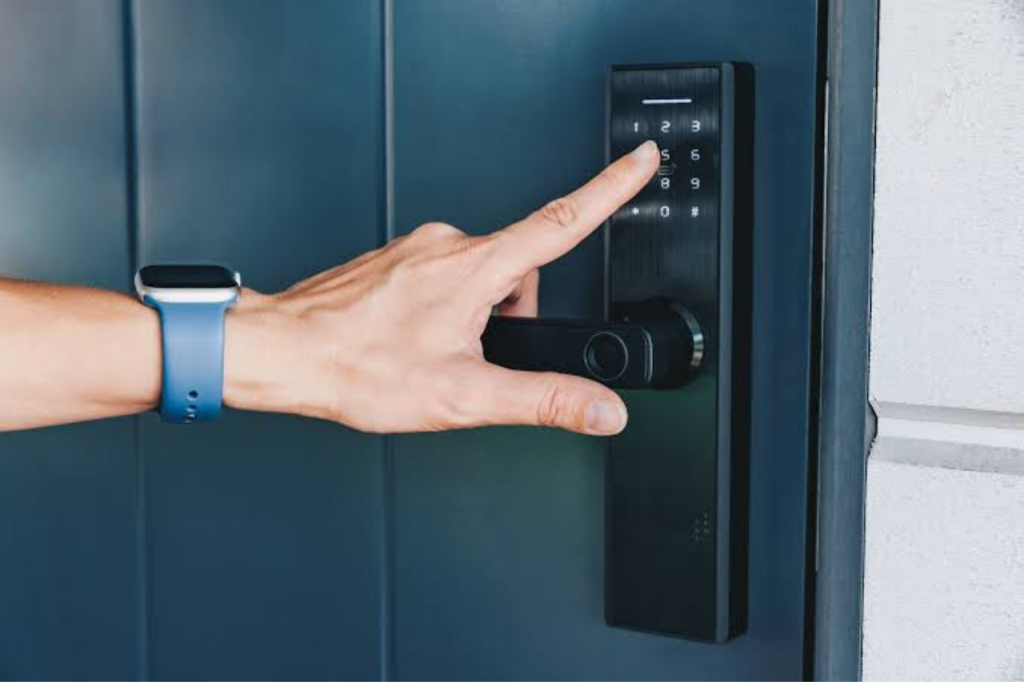
Smart locks can solve several everyday problems.
No More Searching for Keys
If you regularly misplace your keys, a keypad or phone-based lock can make coming home easier. You can enter a code instead of carrying a traditional key.
This can also be helpful when your hands are full with groceries, children or packages.
Easier Access for Family and Guests
Smart locks can make controlled access more convenient. Instead of giving someone a physical spare key, you may be able to create a temporary code.
For example, a homeowner could provide a contractor with a code that works only during a scheduled period. After the job is finished, the code can be removed.
Better Visibility
Some smart locks can send notifications when the door is locked or unlocked. Depending on the system, homeowners may be able to review access activity through an app.
That does not replace good security habits, but it can provide another layer of awareness.
Smart Lock vs. Traditional Lock
Neither option is automatically right for every homeowner. The better choice depends on your priorities.
Feature | Traditional Lock | Smart Lock |
Physical key | Usually required | Often optional |
Keypad entry | No | Many models |
Remote control | No | Some models |
Temporary codes | No | Many models |
Battery required | No | Usually |
App integration | No | Some models |
Simple operation | Excellent | Depends on model |
Traditional locks remain practical because they are simple and do not rely on batteries or electronics. Smart locks add convenience and access-control features but require more attention to setup and maintenance.
What to Check Before Smart Lock Installation
Before purchasing a smart lock, inspect your existing door and lock.
1. Check Your Deadbolt
Many smart locks are designed to replace or fit over a standard deadbolt. However, not every lock works with every door configuration.
Measure the existing hardware and check the manufacturer’s compatibility requirements before buying.
2. Consider Your Door Condition
A smart lock cannot fix a door that already has alignment problems.
If the deadbolt sticks, the door does not close correctly or the strike plate is misaligned, those issues should be addressed first. An electronic lock may struggle if the mechanical parts of the door are already under stress.
3. Think About Power
Most smart locks use batteries. Before installation, understand the expected battery life and what happens when the batteries become weak.
Choose a model with a practical backup method. Depending on the product, that may include a physical key, emergency power connection or another recovery option.
4. Check Connectivity
Not every smart lock requires Wi-Fi. Some use Bluetooth while others connect through Wi-Fi or a hub.
If remote access is important to you, make sure the lock and your home network support the features you want.
When Professional Installation Makes Sense
DIY installation can be straightforward for some homeowners. However, professional installation can be useful when the lock does not fit properly, the door needs adjustment or you want help selecting a compatible system.
A professional locksmith can also check whether the existing hardware, door alignment and strike area are suitable before installation.
My Key Guy provides residential locksmith services in the Kansas City area including lock installation, repair, rekeying and smart lock upgrades.
How Smart Lock Installation Works
The exact process varies by lock model, but professional installation generally follows these steps:
- Inspect the existing lock and door. The technician checks the deadbolt, door alignment, frame and strike plate.
- Remove or prepare the existing hardware. The old deadbolt may be removed or modified depending on the smart lock design.
- Install the smart lock. The interior and exterior components are fitted according to the manufacturer’s specifications.
- Test the mechanical operation. The deadbolt should move smoothly before electronic features are configured.
- Set up access features. Keypad codes, smartphone access or other credentials can then be programmed.
- Test the complete system. The technician verifies locking, unlocking and backup access methods.
The goal is not simply to make the lock turn. It should operate smoothly and consistently every time.
Common Smart Lock Installation Mistakes
Ignoring Door Alignment
This is one of the most important issues to address.
If the deadbolt does not line up correctly with the strike plate, the smart lock motor may have to work harder than intended. Fixing the alignment can improve operation and reduce unnecessary strain.
Forgetting About Backup Access
Technology can fail. Batteries can run low and phones can be lost or damaged.
Before relying on a smart lock every day, understand its emergency access method and keep that information available to household members.
Using One Code for Everyone
Sharing one permanent code with family, guests and service providers can reduce the access-control benefits of a smart lock.
When possible, create separate codes for people who need access. Remove or change codes when they are no longer needed.
Security Tips for Kansas City Homes t Here
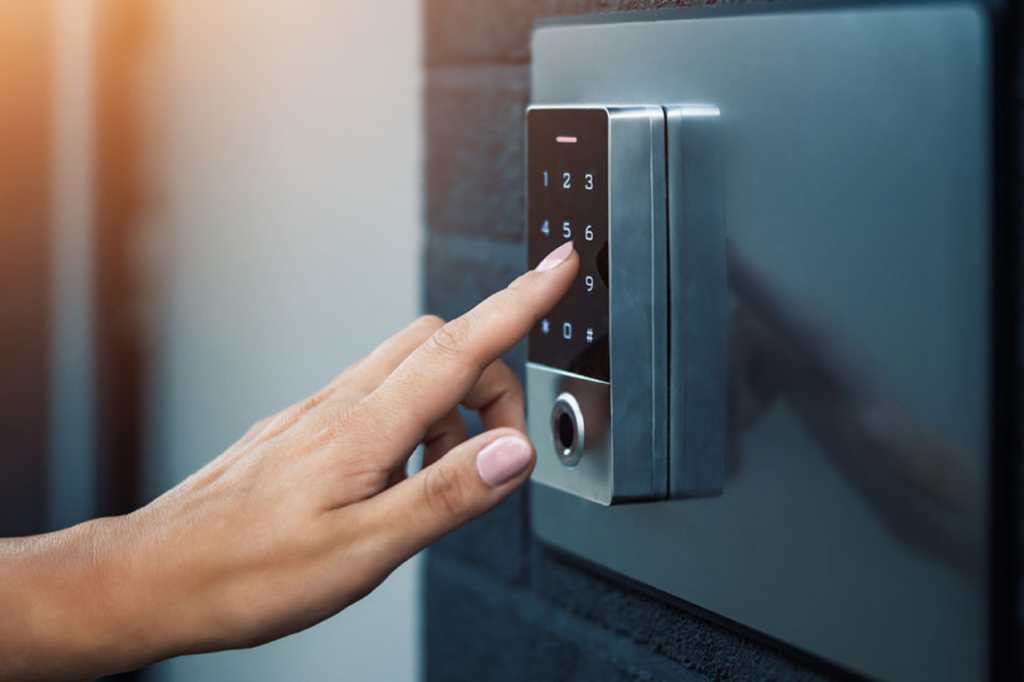
A smart lock is part of your home’s security system, not a complete security solution.
Use these practical habits:
- Create unique access codes instead of using obvious numbers.
- Do not share your primary code unnecessarily.
- Enable security notifications when available.
- Keep the lock’s firmware and app updated.
- Replace batteries before they become critically low.
- Secure your home Wi-Fi network.
- Review access permissions periodically.
- Keep a reliable backup entry method.
Also consider the rest of the door. A strong smart lock cannot compensate for a weak door frame, damaged hardware or poor installation.
Choosing the Right Smart Lock
Think about your daily routine before choosing a product.
Your Priority | Feature to Consider |
Keyless entry | Keypad |
Phone access | Bluetooth or app support |
Remote access | Wi-Fi connectivity |
Guest access | Temporary codes |
Smart-home integration | Compatible ecosystem |
Simple backup | Physical key or emergency power |
Do not pay for features you will never use. A simpler lock that fits your door and meets your security needs may be a better choice than a feature-heavy model.
Smart Lock Installation Checklist
Before scheduling installation, use this quick checklist:
- Check your existing deadbolt type.
- Confirm the smart lock fits your door.
- Check door and frame alignment.
- Decide whether you need remote access.
- Check smartphone and smart-home compatibility.
- Understand the battery requirements.
- Identify the emergency access method.
- Plan separate access codes for household members.
- Keep installation and product instructions.
- Test the lock before relying on it.
When to Call a Kansas City Locksmith
Professional help is particularly useful if your existing lock is damaged, the deadbolt does not align properly or you are unsure which smart lock will work with your door.
A locksmith can evaluate the physical lock and door before installation rather than simply replacing hardware and leaving compatibility issues unresolved.
My Key Guy lists smart lock upgrades as part of its residential locksmith services and serves Kansas City and surrounding communities. The company also provides 24/7 locksmith assistance for urgent home, vehicle and business lock problems.
Key Takeaways
Smart locks can make home access more convenient, but the best results come from choosing compatible hardware and installing it correctly.
Remember these points:
- Check your door before buying a smart lock.
- Make sure the deadbolt moves smoothly.
- Consider battery life and backup entry.
- Use individual access codes when possible.
- Keep apps and firmware updated.
- Do not overlook the door frame and strike plate.
- Consider professional installation when compatibility or alignment is uncertain.
Conclusion
A smart lock can be a useful upgrade for a Kansas City home when convenience, keyless entry and controlled access are important. However, the lock needs to match the door and be installed correctly to perform reliably.
If you are unsure which lock will fit your existing hardware or want professional help with Smart Lock Installation in Kansas City, My Key Guy can help with residential lock installation, repair, rekeying and smart lock upgrades.
For professional locksmith assistance, call My Key Guy at (913) 270-0703 to discuss your home lock needs or request a free estimate. The company offers locksmith services 24/7 across Kansas City and surrounding areas.
FAQs About Smart Lock Installation in Kansas City
1. Can a locksmith install a smart lock?
Yes. A locksmith can install compatible smart locks and check the existing door, deadbolt and strike alignment during the process.
2. Do smart locks work without Wi-Fi?
Some do. Certain models use Bluetooth or operate locally with a keypad. Wi-Fi is generally needed for features such as remote access, depending on the product.
3. What happens if a smart lock battery dies?
The answer depends on the model. Many smart locks provide a backup entry method such as a physical key or emergency power connection. Always understand the backup procedure before installation.
4. Can I still use a key with a smart lock?
Some smart locks include a traditional keyway while others are designed for keyless entry. Check the specific model before purchasing.
5. Are smart locks safe for homes?
A properly installed smart lock can provide useful access-control features. Security also depends on the lock quality, door hardware, access-code practices, software updates and overall home security.
6. Should I install a smart lock myself?
Some homeowners can handle basic installations. Professional help is worthwhile when the door is difficult to align, existing hardware is damaged or you are uncertain about compatibility.
7. How do I choose a smart lock for my home?
Start with your door and deadbolt type. Then consider whether you need keypad entry, smartphone control, remote access, temporary codes or smart-home integration. Choose a model that fits your door and supports the features you actually need.